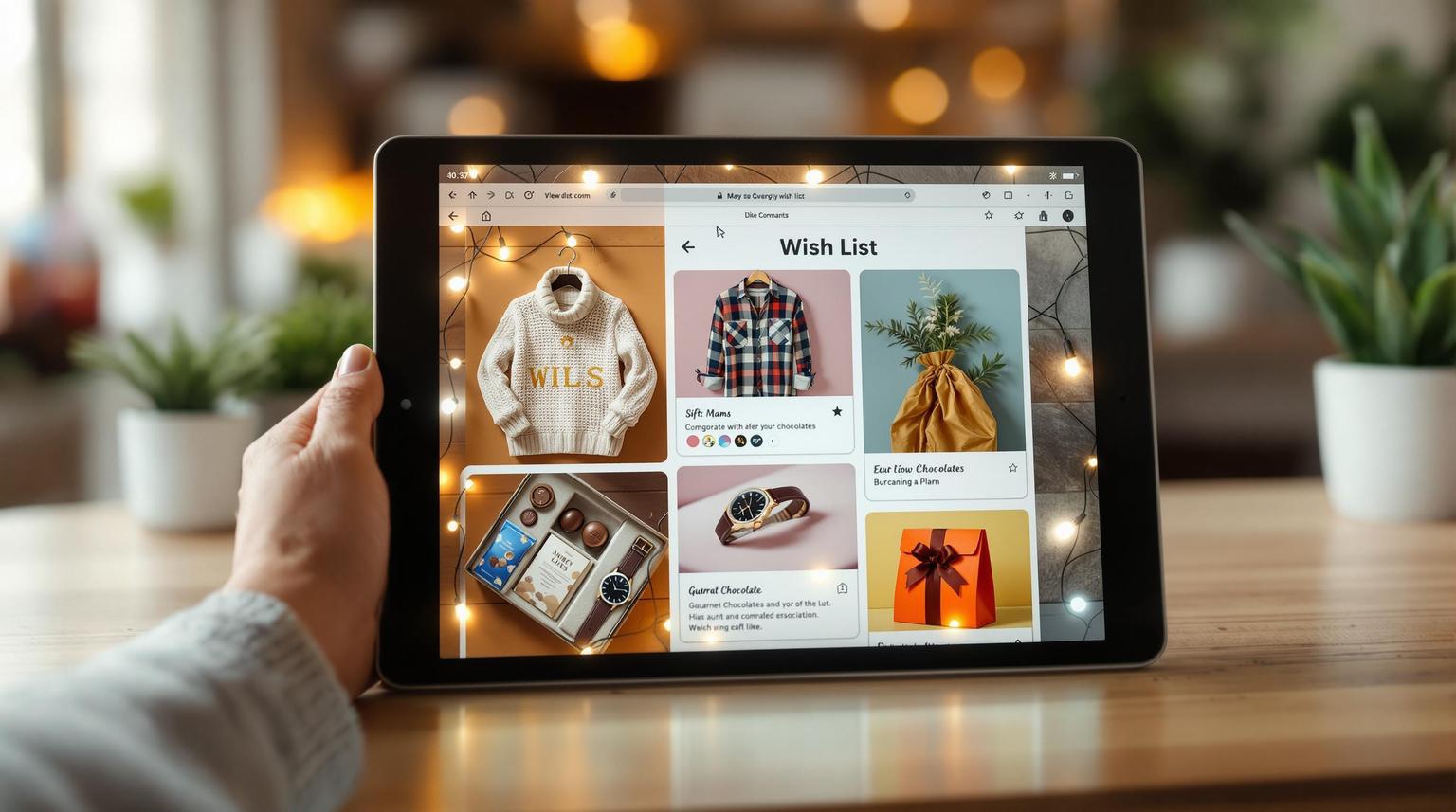
Best Apps for Tracking Holiday Wish Lists in 2026
The best holiday wish list app depends on your priority. GiftList is the top pick for social and group gifting — it's free, works with any store, syncs across web, iOS, Android, and a browser extension, and lets gift-givers reserve or buy with no account. Giftster suits families, Amazon Wishlist suits Amazon shoppers, and Christmas Gift List Tracker suits iOS budgeters.
Best Apps for Tracking Holiday Wish Lists in 2026
Looking for the best way to organize your holiday wish lists? This guide compares the top apps for 2026 that make gift planning simple, efficient, and stress-free. The best holiday wish list apps help you track budgets, share lists, coordinate group gifts, and avoid duplicate presents — all while keeping everything secure and synced across your devices.
Which Holiday Wish List App Should You Pick?
There's no single "best" app — the right one depends on whether you care most about budgeting, sharing with family, group gifting, or shopping from any store. Below are the standouts for 2026, each with the type of planner it serves best:
- GiftList: Best for social and group gifting — free, works with any online store, syncs across web, iOS, Android, and a browser extension, with AI-powered gift ideas (4.8/5).
- Christmas Gift List Tracker: Best for iOS users who want detailed budgeting tools and strong privacy (4.9/5).
- Giftster: Best for families coordinating private group lists with a gift reservation system (4.5/5).
- Amazon Wishlist: Best for shoppers who buy mostly on Amazon and want a no-setup list.
- The Christmas List: Best for solo planners who like store-based organization and gift-status tracking (4.7/5).
Quick Comparison Table
| App | Best For | Platforms | Free? | Standout Feature | Rating |
|---|---|---|---|---|---|
| GiftList | Social & group gifting | Web, iOS, Android, browser extension | Yes — 100% free | Universal add from any store + no-account reserving | 4.8/5 |
| Christmas Gift List Tracker | iOS budgeters | iOS only | Free; some paid features | Budget graphs + iCloud sync | 4.9/5 |
| Giftster | Families | Web, iOS, Android | Yes — affiliate-supported | Private group lists + reservations | 4.5/5 |
| Amazon Wishlist | Amazon shoppers | Web, iOS, Android | Yes (Amazon account) | Built into Amazon checkout | — |
| The Christmas List | Solo organizers | iOS | Free; some paid features | Store-based sorting + status tracking | 4.7/5 |
Pick the app that fits your needs — whether you're focused on budgeting, sharing lists, coordinating group gifts, or shopping across many stores. The sections below break down what each one does well, and where it falls short.
::: @iframe https://www.youtube-nocookie.com/embed/Z1XGIshNx0k :::
What Makes GiftList the Best for Social and Group Gifting?
GiftList is built for the way most people actually give gifts during the holidays: in groups, across many stores, and without spoiling the surprise. It's a strong pick for social gifting and year-round planning alike.
Add gifts from anywhere — fast. GiftList is truly universal. Paste a link from any online store worldwide and it auto-fills the title, price, and image, or save items in one click with the browser extension for Chrome, Safari, and Edge. On mobile, an in-app browser lets you shop any store and save gifts without copy-pasting URLs. GiftList's product extraction is fast and accurate, and items are added instantly without blocking you while details load — a noticeable edge over apps where adding is slow or grabs the wrong details.
Gift-givers need no account. Anyone you share a list with can view, reserve, or buy a gift without signing up or downloading anything. That zero-friction sharing is one of GiftList's biggest practical advantages over apps that require every shopper to register first.
Group gifting and cash funds, with no fees. You can enable group gifting on any item so several people pool money toward it, or add a cash fund for a bigger goal. Contributions go directly to you via Venmo, PayPal, Zelle, or Cash App — GiftList never holds your money or takes a cut.
Surprise stays intact. When someone reserves or buys an item, it's hidden from you (the list owner) but visible to other gift-givers, so duplicates are prevented without ruining the surprise. A Gift Tracker lets you reveal who gave what when you're ready.
Smart extras. Genie, GiftList's AI gift finder, suggests personalized ideas; a daily-curated Gift Ideas feed surfaces trending products; and you can run a built-in Secret Santa or gift exchange for the whole family.
Where it's limited: GiftList needs an internet connection to pull live product data, and its richest discovery features (price comparison, trending feed) work best online rather than offline. If you want a fuller side-by-side of universal options, see our roundup of the 10 best universal wishlist apps.
How Good Is Christmas Gift List Tracker for iOS Budgeters?
The Christmas Gift List Tracker is a top-rated iOS app for organizing holiday gifts, with a 4.9-star App Store rating from thousands of reviews and a focus on budgeting (CNET). It packs a lot of planning tools into Apple's ecosystem.
Budget management. Set spending limits per person, track your total budget with easy-to-read graphs, and keep everything in sync (App Store).
Sharing and privacy. Share lists with family while keeping certain items private, with passcode protection and automatic iCloud backups for peace of mind.
Apple-first extras. A home-screen widget, Apple Watch support, a Christmas countdown, and AirPrint for printing lists round out the experience, and the app saves lists from previous years so you can revisit past gifts.
Where it's limited: It's iOS-only, so Android users and friends on other platforms are left out, and it leans on manual entry rather than pulling live product data from across the web. Some advanced features sit behind a paid upgrade.
Is Giftster the Right Choice for Family Coordination?
The Giftster app holds a solid App Store rating and is built around helping close-knit groups stay coordinated, which makes it a popular family pick.
Private group lists. Create private groups where everyone shares wish lists, with flexible privacy settings per member — handy for extended families spread across households.
Reservation system that prevents duplicates. When a shopper marks an item reserved or purchased, other shoppers see it's taken, while the list owner does not — so surprises stay intact and nobody buys the same gift twice (Giftster Help).
Free, year-round, cross-platform. Giftster works for birthdays and weddings too, runs on both iOS and Android, and is free to use — it's supported by affiliate commissions on click-throughs rather than user fees (Giftster Help).
Where it's limited: Its interface feels more utilitarian than modern alternatives, and it lacks AI-powered discovery or universal one-click saving from any store.
What About Amazon Wishlist for Holiday Shopping?
Amazon Wishlist is the default for millions of shoppers because it's already built into the place they buy. You can create a list, set it public or private, and invite others to view or edit it (About Amazon).
No setup, no extra app. If you already shop on Amazon, a wish list is one tap away, and friends can buy straight from the list with Amazon's checkout and gift options.
Where it's limited: It's centered on Amazon's catalog, so adding items from other retailers isn't its strength, and it lacks dedicated holiday budgeting, group-gifting funds, or a daily gift-idea feed. For a list that spans every store, a universal app is a better fit — see our universal wishlist guide for the difference.
How Does The Christmas List Help Solo Organizers?
The Christmas List has earned a 4.7-star App Store rating thanks to a simple interface and a store-based organization system that suits solo planners (CNET).
Organized by store and status. Import recipients from contacts, attach photos to gifts, sort by store to streamline shopping trips, and track each gift's status from idea to delivery. Individual and overall budgets show visual progress.
Sharing and extras. Share lists with specific people, keep some gifts private, print via AirPrint, track thank-you notes, and protect everything with a passcode and iCloud backup.
Where it's limited: It's iOS-only with basic collaboration, so it's better for one person managing their own shopping than for a group coordinating together.
Holiday Wish List Apps Compared: Strengths and Limitations
Here's a head-to-head look at where each app shines and where it falls short, so you can match the tool to your situation.
| App | Key Strengths | Limitations | Best For | Rating |
|---|---|---|---|---|
| GiftList | • Universal add from any store • No account needed for gift-givers • Free group gifting & cash funds • AI gift ideas + extension |
• Needs an internet connection • Discovery features are online-first |
Social & group gifting | 4.8/5 |
| Christmas Gift List Tracker | • Detailed budget graphs • iCloud sync • Strong privacy controls |
• iOS only • Manual entry, no universal add • Some paid features |
iOS budgeters | 4.9/5 |
| Giftster | • Private group lists • Reservation prevents duplicates • Free, works year-round |
• Utilitarian interface • No AI or one-click universal saving |
Families | 4.5/5 |
| Amazon Wishlist | • Zero setup • Built into Amazon checkout • Easy to share |
• Amazon-centric catalog • No holiday budgeting or group funds |
Amazon shoppers | — |
| The Christmas List | • Store-based sorting • Gift-status tracking • Simple interface |
• iOS only • Basic collaboration • Some paid features |
Solo organizers | 4.7/5 |
A few patterns stand out. For cross-platform reach, GiftList, Giftster, and Amazon work on both iOS and Android, while the two Christmas-specific trackers are iOS-only. For stopping duplicate gifts, both GiftList and Giftster hide claimed items from the list owner while showing them to other shoppers (Giftster Help). For shopping across many stores, GiftList's universal add and browser extension cover any retailer, where Amazon centers on its own catalog and the Christmas apps rely on manual entry.
How to Choose the Right Holiday Wish List App
Use this quick framework to narrow it down:
- Start with your top priority. Budgeting, group coordination, privacy, or shopping from any store — lead with the one that matters most.
- Check device compatibility. If your family is split between iPhone and Android, choose a cross-platform app like GiftList, Giftster, or Amazon.
- Think about group size. For extended-family exchanges, prioritize reservation systems and group gifting so no one buys duplicates.
- Look beyond the holidays. An app you can reuse for birthdays, weddings, and back-to-school delivers more value than a Christmas-only tracker.
- Minimize friction for gift-givers. The easier it is for friends to view and claim items without signing up, the more of your list actually gets fulfilled.
The best app isn't the one with the longest feature list — it's the one that fits your holidays. If you want a universal, free, cross-platform option that covers all five priorities above, you can create your wishlist on GiftList in a couple of minutes and share it with family today. For more on what separates a great list from a basic one, read our breakdown of the top online wish list features to look for.