The Fastest Way to Add Gifts While You Browse
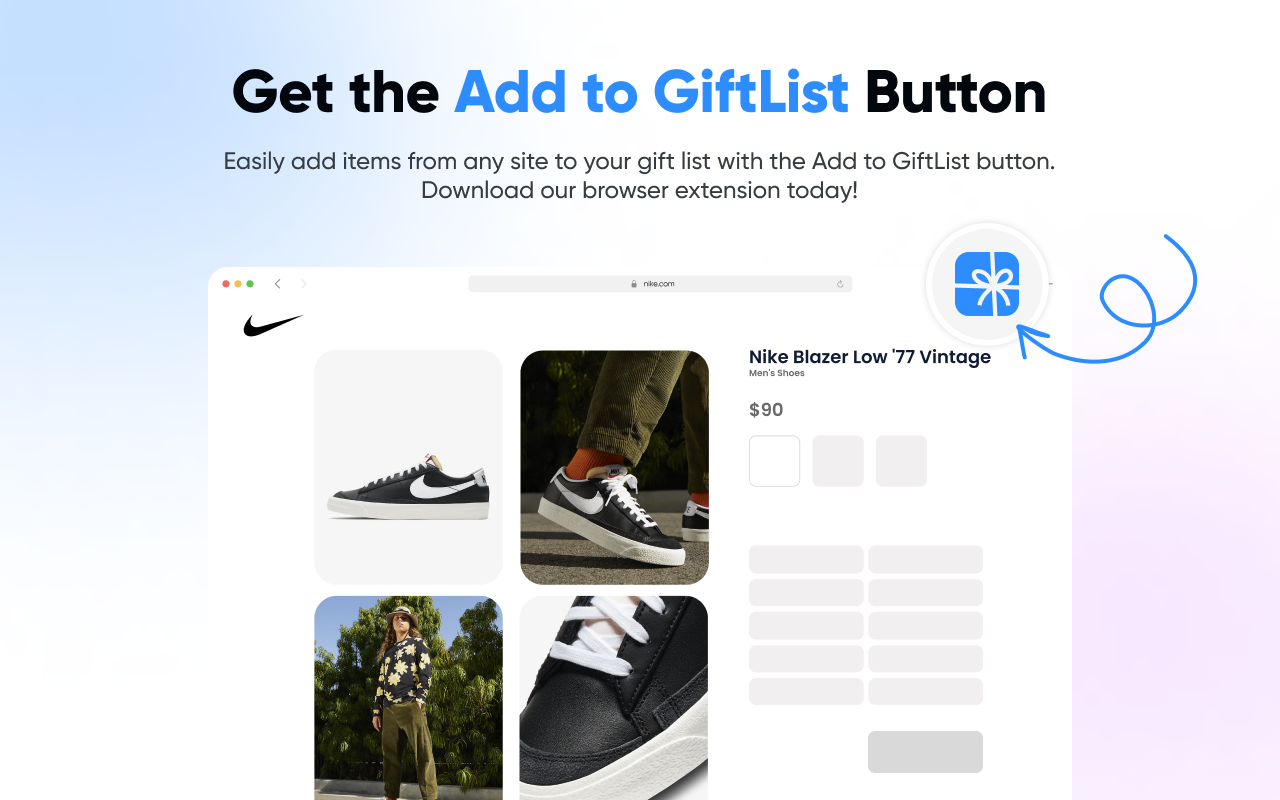
Install the Add to GiftList browser extension and save items from any website to your gift list in one click. No copy-pasting, no switching tabs.
Free · No account required to install · 3,000+ users
How It Works
Three steps. Less than 10 seconds. That's it.
Install the extension
Add the button to Chrome or Safari. Pin it to your toolbar so it's always one click away.
Browse & click
Find something you love on any website. Click the GiftList icon — we'll fetch the product details automatically.
Save to your list
Pick a list, add notes, and hit save. Done — your gift-givers can see it instantly.
Watch how it works (2 min)
We fetch the details like magic
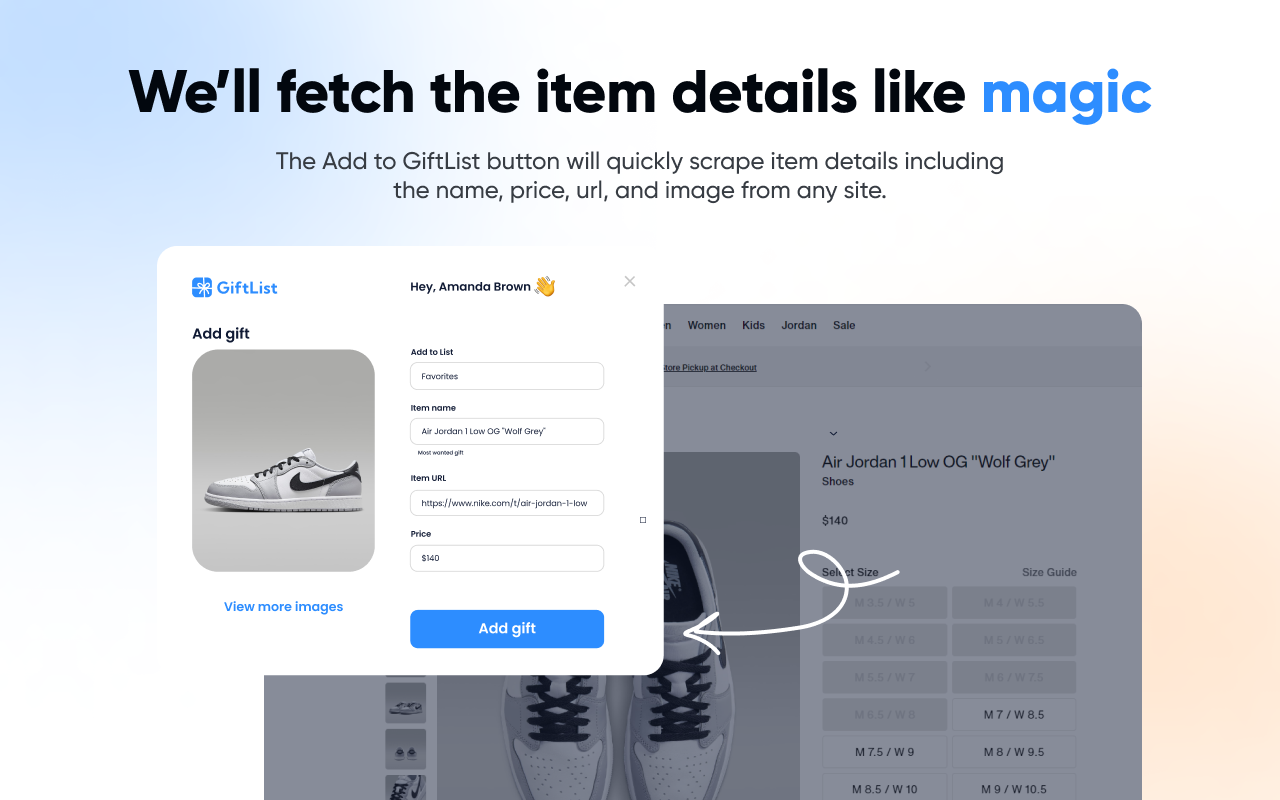
The Add to GiftList button automatically scrapes the product name, price, URL, and image from any site. Review everything in the popup before saving — edit the name, pick a different photo, or add a note for your gift-givers.
- ✓One-click add. Click the GiftList icon in your browser toolbar on any product page. We instantly scrape the name, price, image, and URL — no copy-pasting needed.
- ✓Works on any website. Amazon, Nike, Etsy, Target, small boutiques — if it has a URL, you can add it. No store restrictions, ever.
- ✓Choose your list. Pick which gift list to save to, add notes for your gift-givers, and toggle "most wanted" — all from the extension popup.
- ✓Auto-detected details. The extension automatically fetches the product title, price, image, and URL. Review and edit before saving.
One list. Any store.
Add gifts from any site. Paste a product link to fill in details when available, or add an item yourself.

Gifts from 1,000s of brands added to GiftList
Start adding gifts in seconds
The extension is free, fast, and works on every website. Install it once and never copy-paste a product URL again.
Don't have an account yet? Sign up free